These tutorials contain a set of tips & tricks, for users who want to upgrade their knowledge to the next level by leveraging Undet’s advanced features.
From Novice to Advanced User


These tutorials contain a set of tips & tricks, for users who want to upgrade their knowledge to the next level by leveraging Undet’s advanced features.
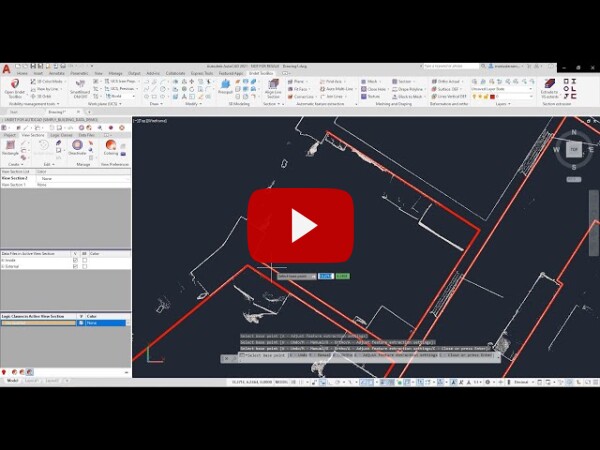
This tool automatically creates and fits lines on the point cloud section to create a multi-polyline with a single click. Using this function, you will draw the lines with maximum accuracy to point cloud points super fast and straightforwardly. Undet easily recognizes wall lines from a 3D point cloud with a single click on it, and with all subsequent clicks, you will create a continuous polyline.
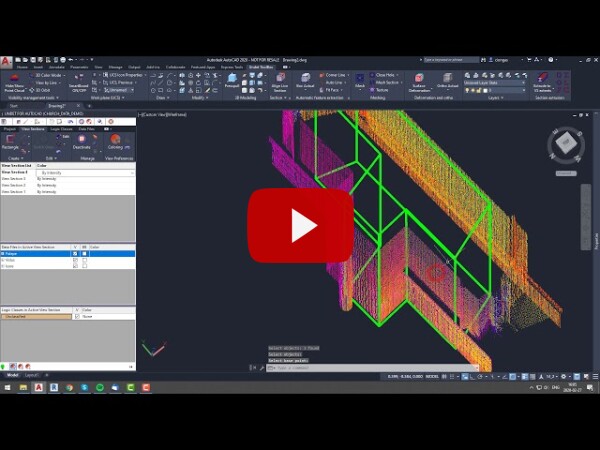
Video overview about automatic feature extraction functionality: corner line, multi-corner line, auto circle, fit face, divide face, auto plane, actual box.
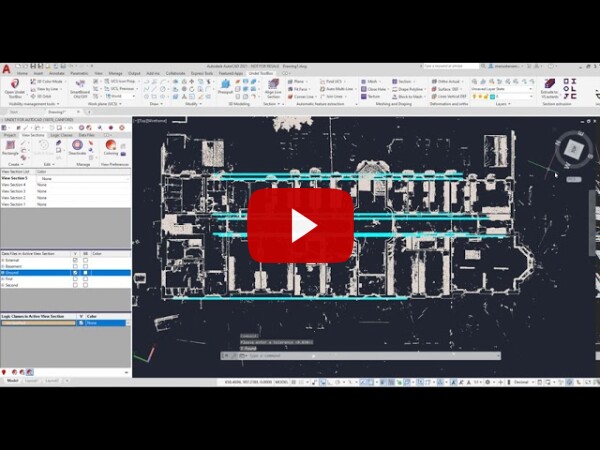
To start any 3D modeling or 2D drawings project based on 3d point cloud data requires scanned object analysis to find the main axis or object orientation. Correct view orientation by axis will let you vectorize much faster and each drawing object will be parallel and perpendicular to each other.
How to perform point cloud data quality check?