
These tutorials contain a set of tips & tricks, for users who want to upgrade their knowledge to the next level by leveraging Undet’s advanced features.
From Novice to Advanced User


These tutorials contain a set of tips & tricks, for users who want to upgrade their knowledge to the next level by leveraging Undet’s advanced features.
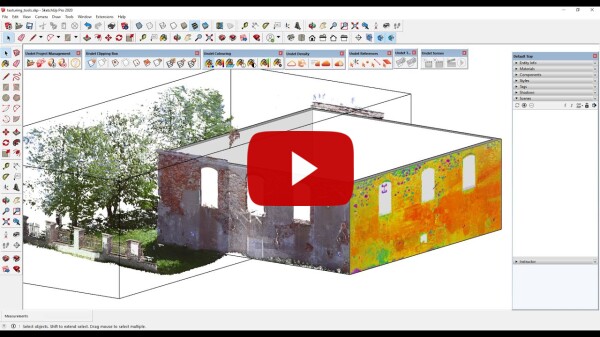
In this video, you will find instructions on using texturing tools and enriching the model by adding textures generated from the point cloud views.
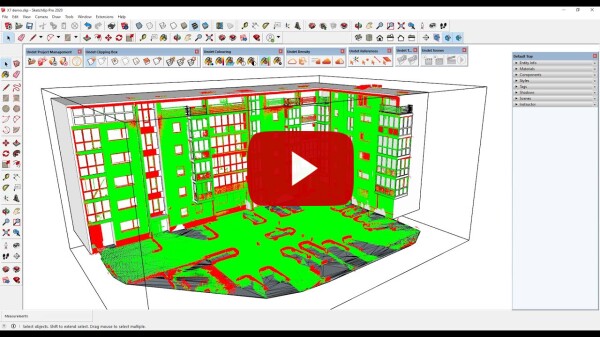
In this video, you will find instructions on how to use the 3D model inspection tool and check the accuracy of the 3D model by comparing it against the point cloud.
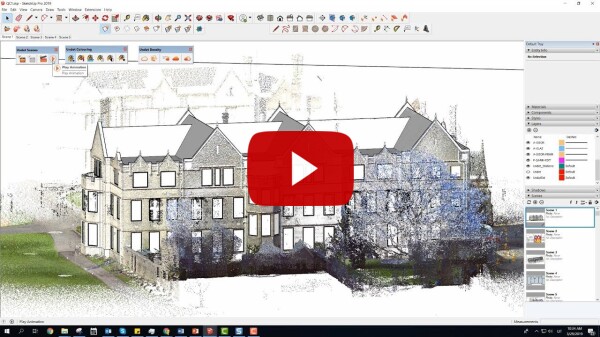
In this video, you will find instructions on how to use Undet Scenes tools, to save the point cloud clipping box view to a regular SketchUp scene.
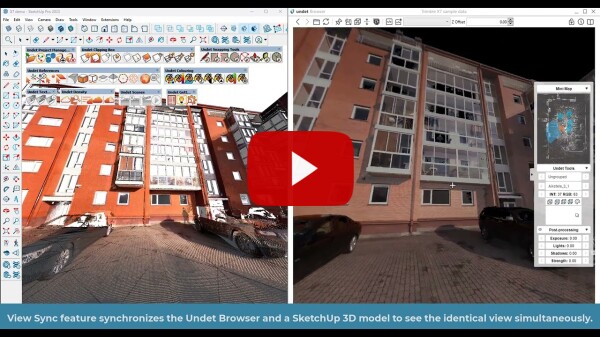
The Undet View Sync feature synchronizes the Undet Browser and a SketchUp 3D model to see the identical view simultaneously.
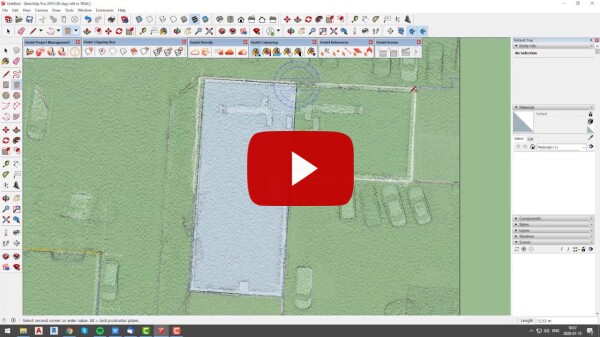
This video shows you how to move and rotate the point cloud project using the coordinates transformation tool.
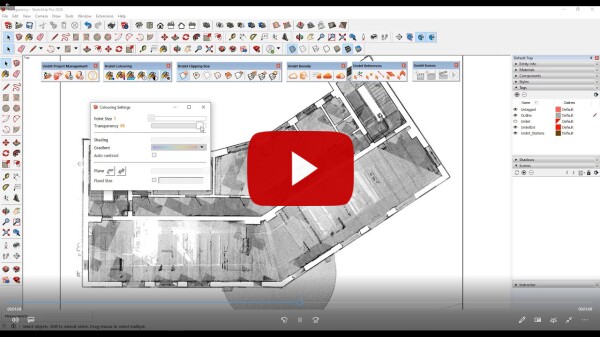
This video shows you how to use point cloud transparency colouring to achieve the clearest possible view.
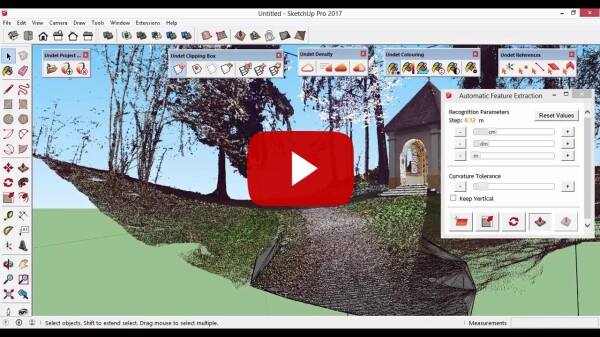
This video shows you how to use automated feature extraction tools to extract planes or ground terrain surfaces.
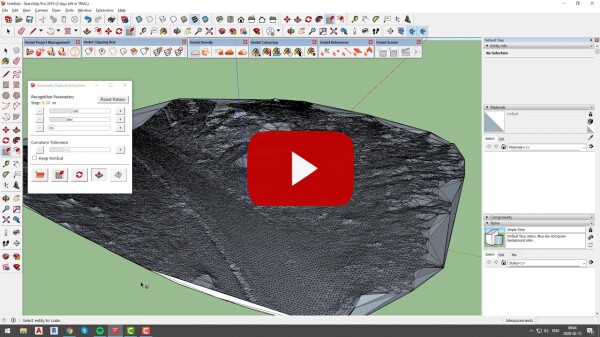
This video shows you how to extract ground terrain surfaces using automated feature extraction tools.
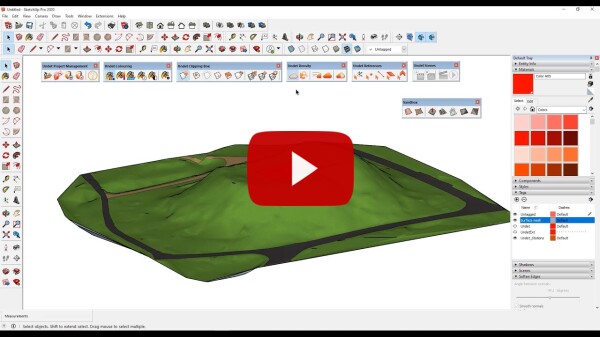
This video shows you how to extract ground terrain surfaces and divide them into regions.