
Getting used to new software or any specific functions can be a bit of a steep curve in the beginning.
Take a look at the video tutorials – they’ll walk you through and introduce the basics of Undet.


Getting used to new software or any specific functions can be a bit of a steep curve in the beginning.
Take a look at the video tutorials – they’ll walk you through and introduce the basics of Undet.
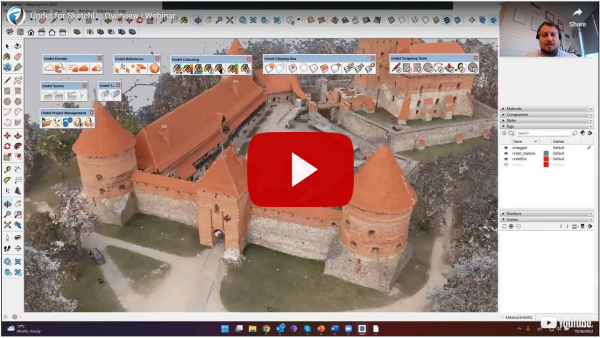
This webinar is an excellent intro to start using Undet for SketchUp for the first time to understand plugin features and opportunities.
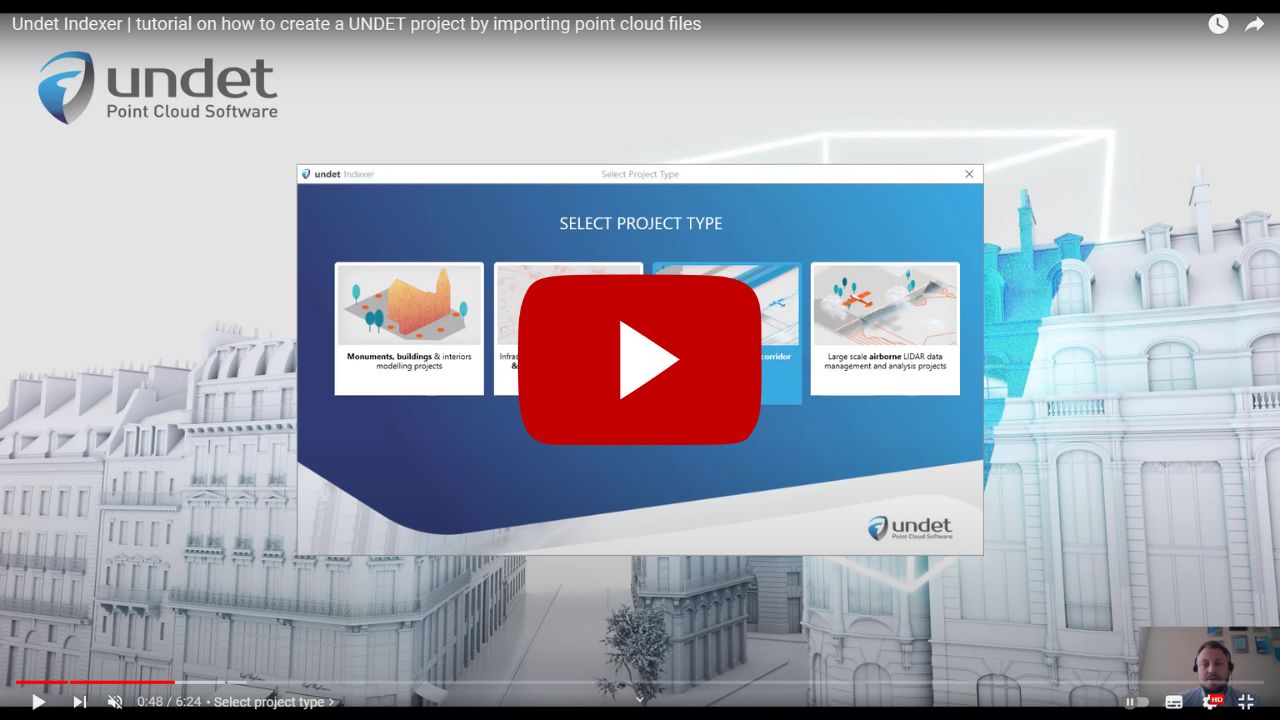
Undet Indexer is a standalone software to create Undet project files from a point cloud or scan data files. Supported formats *.E57, *.RCP/RCS, *.PLY, *.FLS, *.ZFS,*.LAS, *.LAZ, *.PTS, *.PTX, *.DP, *.FPR, *.LSPROJ, *.FWS, *.CL3, *.CLR, *.RSP, ASCII / NEZ (X,Y,Z/i/RGB).
Overview video to get familiar with new Undet features: Snapping Tools and Undet Browser integration.
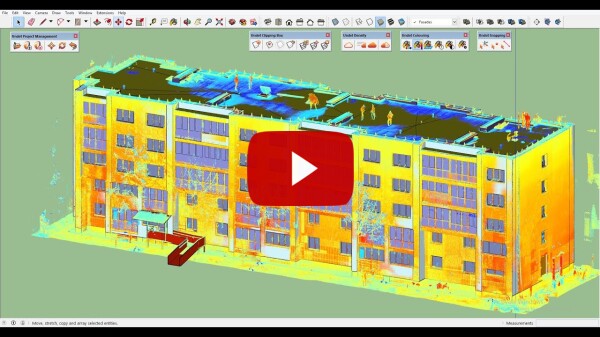
Workflow video to get familiar with the basic technique of modelling using point clouds.